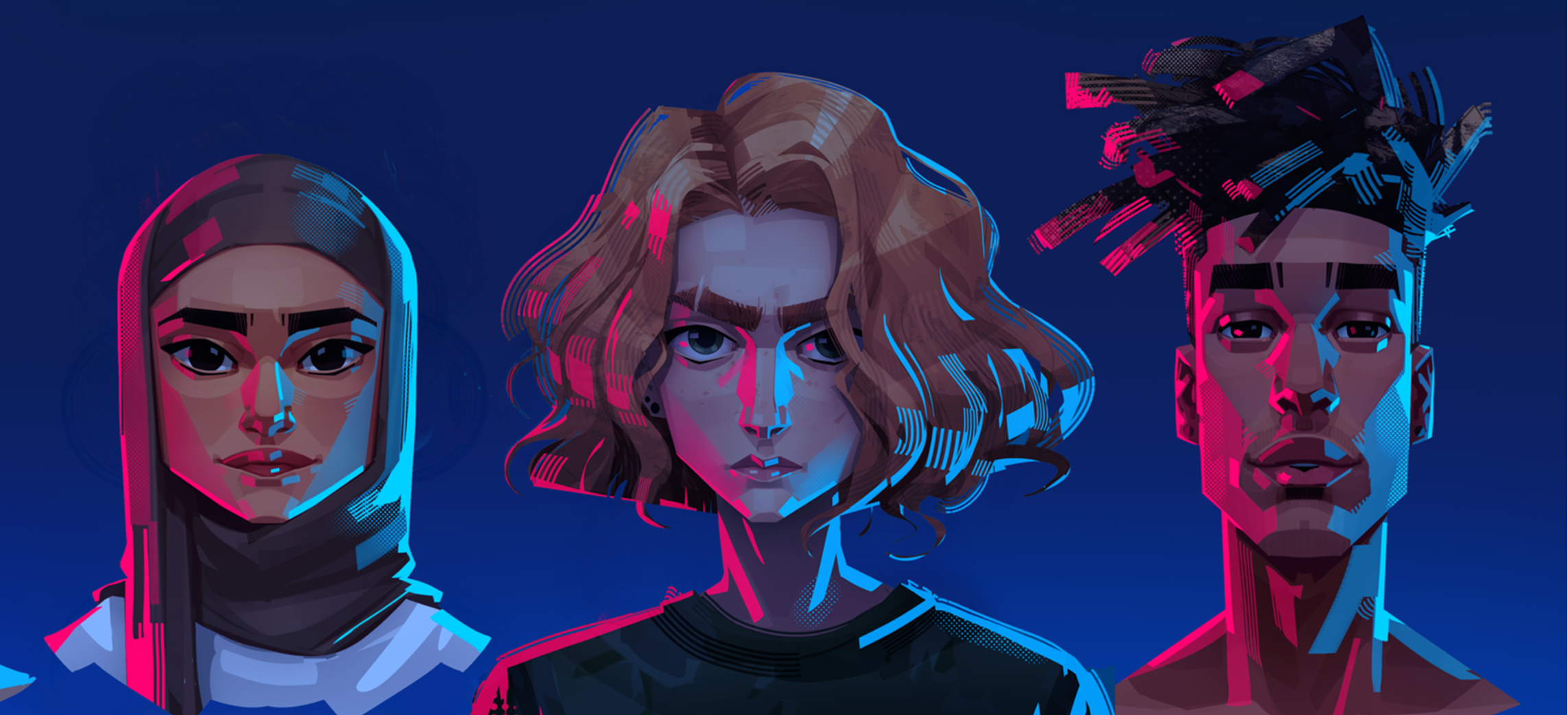
world reborn
A blended-reality story game.
After a cataclysmic event fractures the world into many fragile realities, you've been recruited to be part of an underground community of heroes to save one of the realities—and our own—from a nefarious force called the Rot.
Client: Wicked Saints
2026
Worked with: Isa Ganttus (Rive Motion Designer), Christian Marsh Reiman (Writer, Game Designer), Meybis Ruiz Cruz (Art Director, Illustrator), Daphne Larose-Molapo (Lead Developer) & the Wicked Saints team including Alicia Clifton & Jessica Murray
My role: Lead UI/UX designer
My role in this project was to redesign the UI and to suggest new ideas regarding the UX navigation
of some sections of the game. Working in close collaboration with the team, I followed the existing
UI art direction and guidelines to design a fresh new UI.
Once a design was made, I provided assets to developers or integrated & animated those screens myself in Unity.
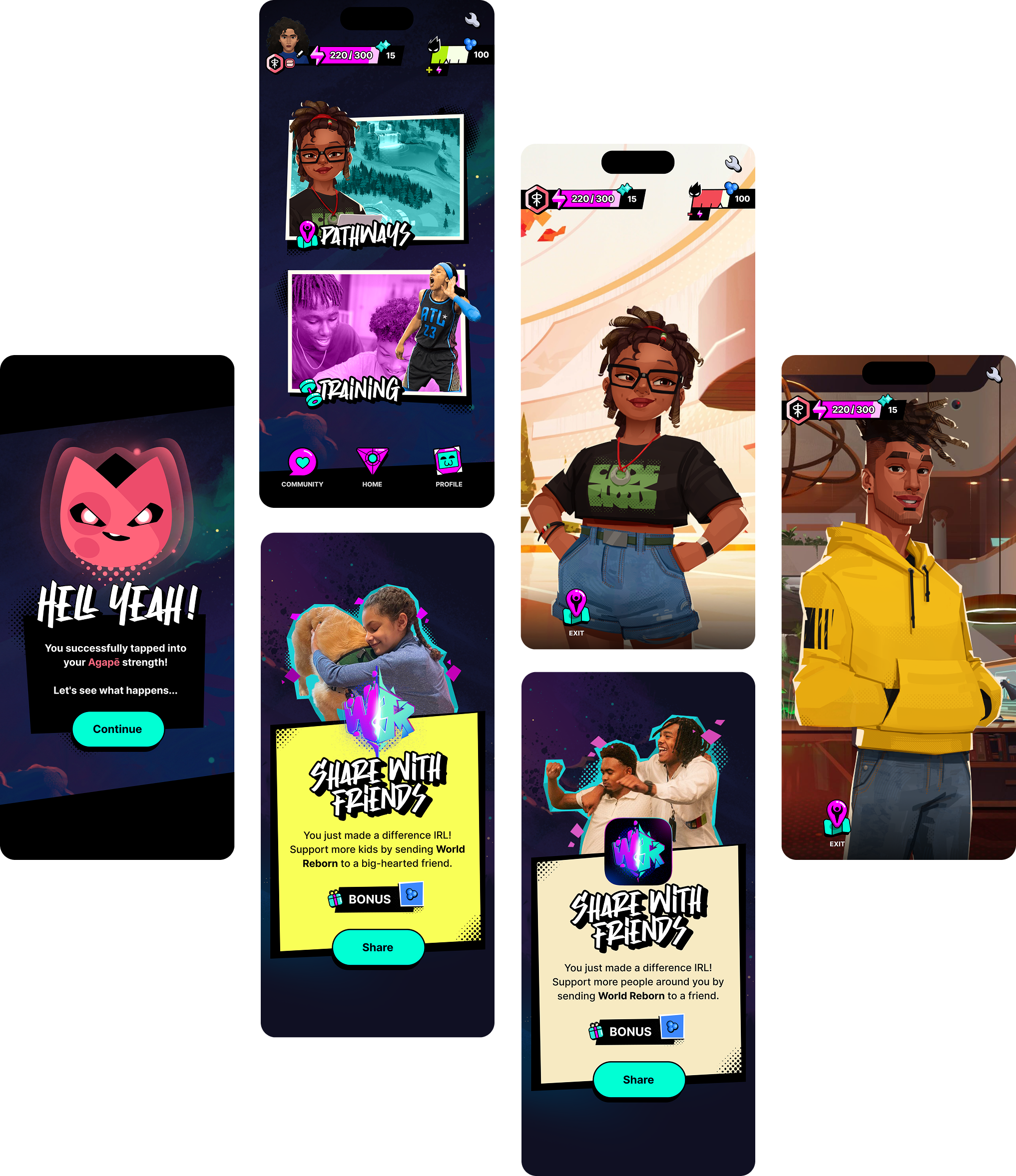
I. GENERAL STYLE
Those screens were designed, and sometimes re-designed with the goal of bringing consistency to the game's visual experience.
What you'll see below is the result of those months of work.
II. MAP
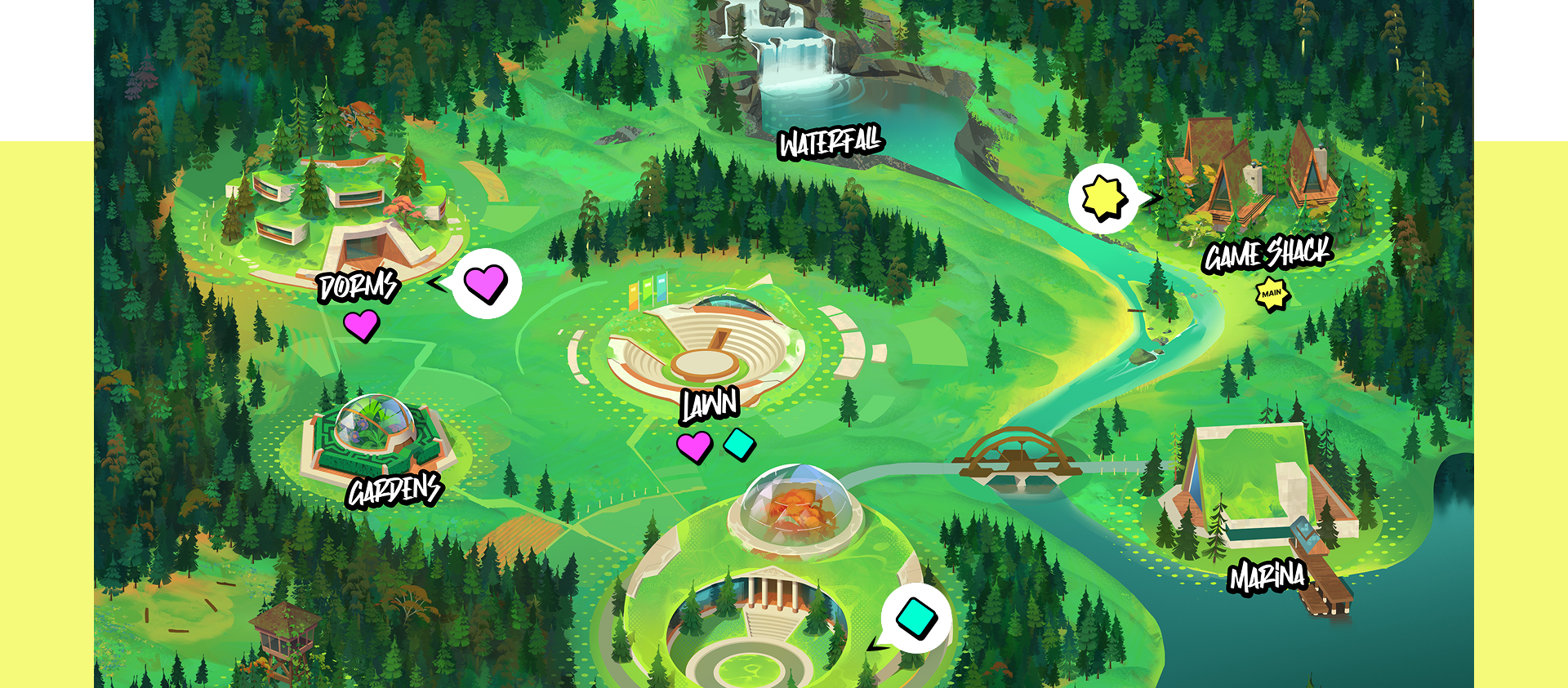
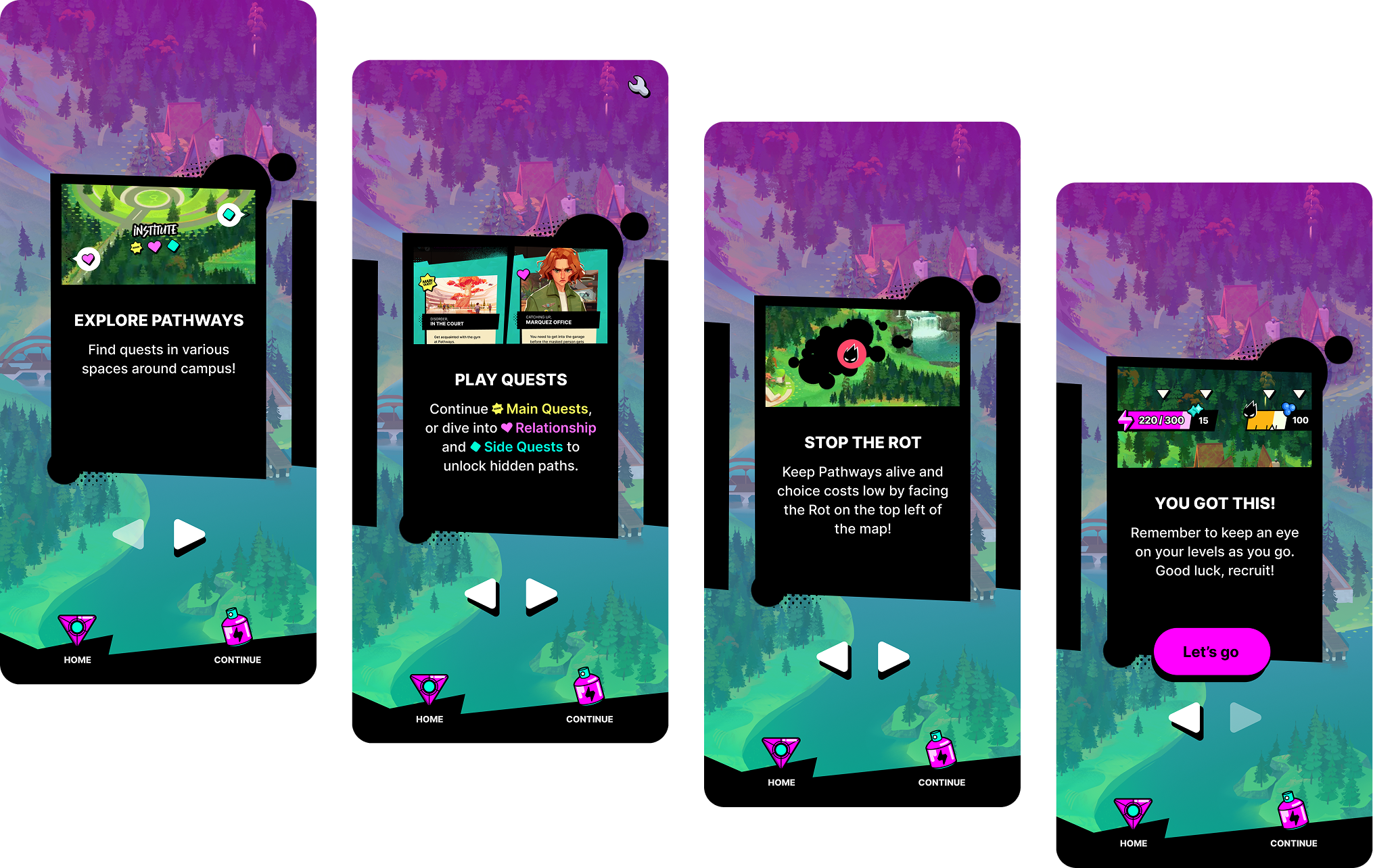
The Pathways map is key to the player's experience. It is the main area where they will get access to quests
and to interact with characters. I designed the new quest icons, so the player can clearly differentiate quest types &
redesigned the location cards and their different states.
III. ROT BATTLE
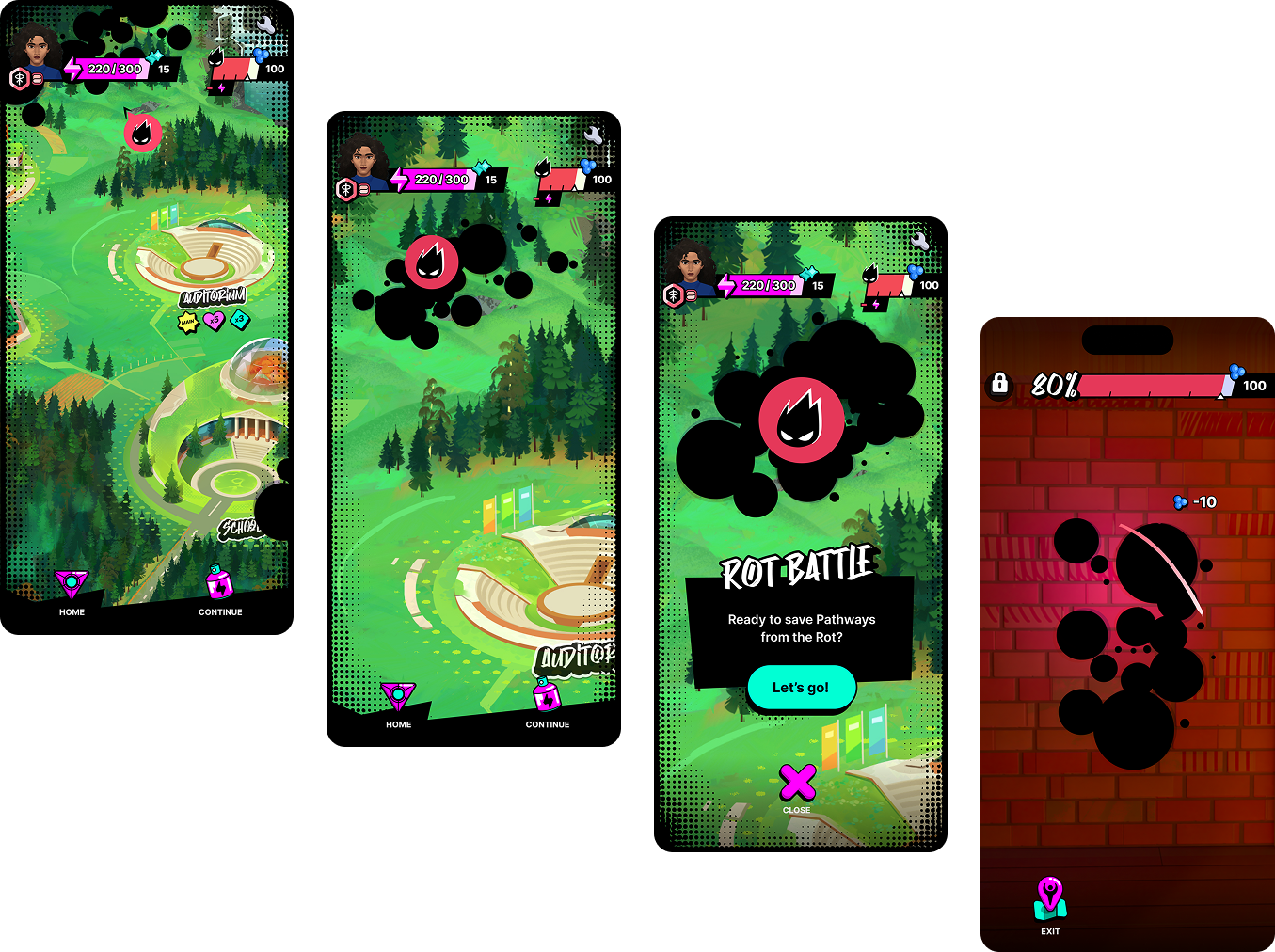
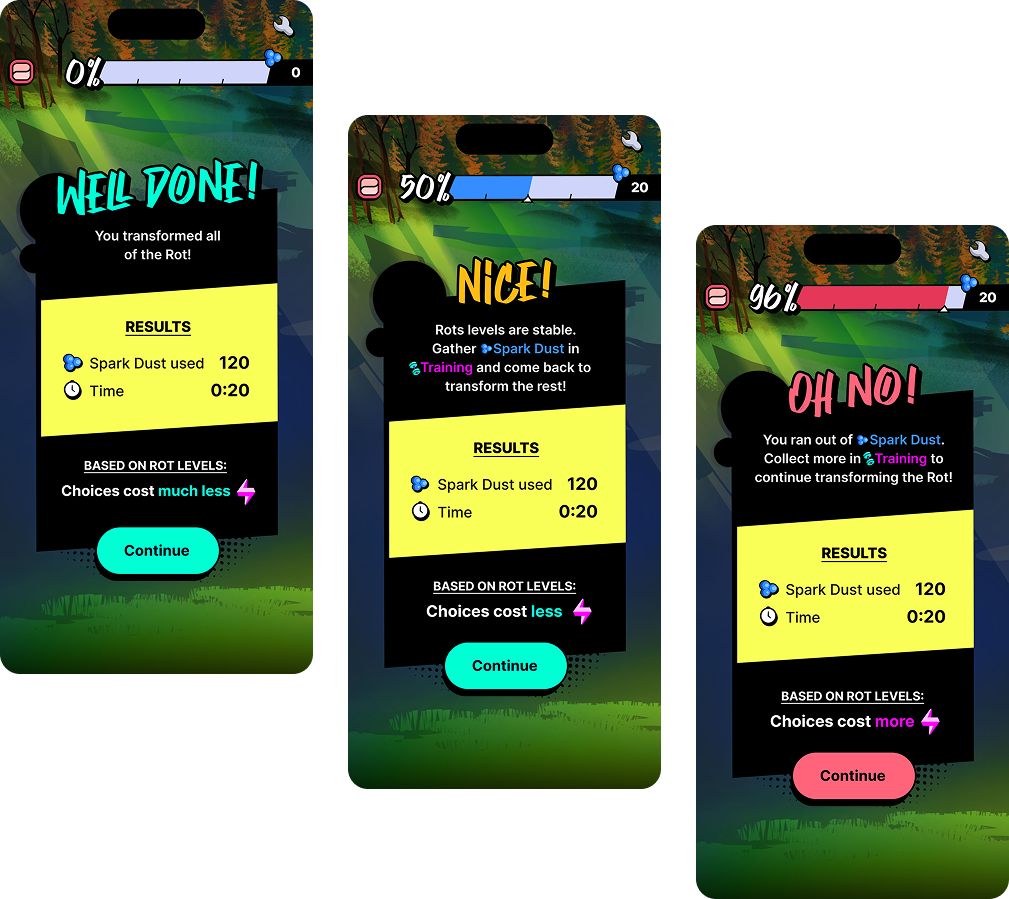
Once on the Pathways map, the player is invited to stop the Rot, an entity that gradually invade
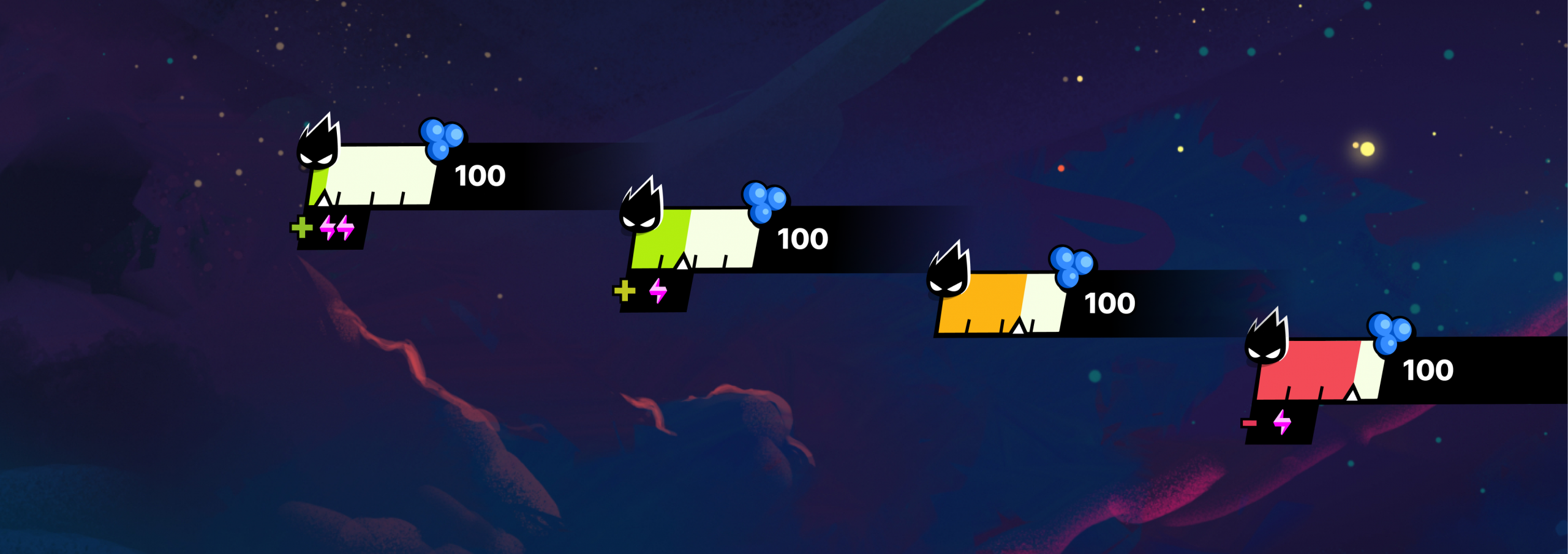
the map as time goes by. Players can follow its progression through the HUD. When the levels
are critical (in red), it is time to launch the Rot battle.
IV. ROT BATTLE ALERTS
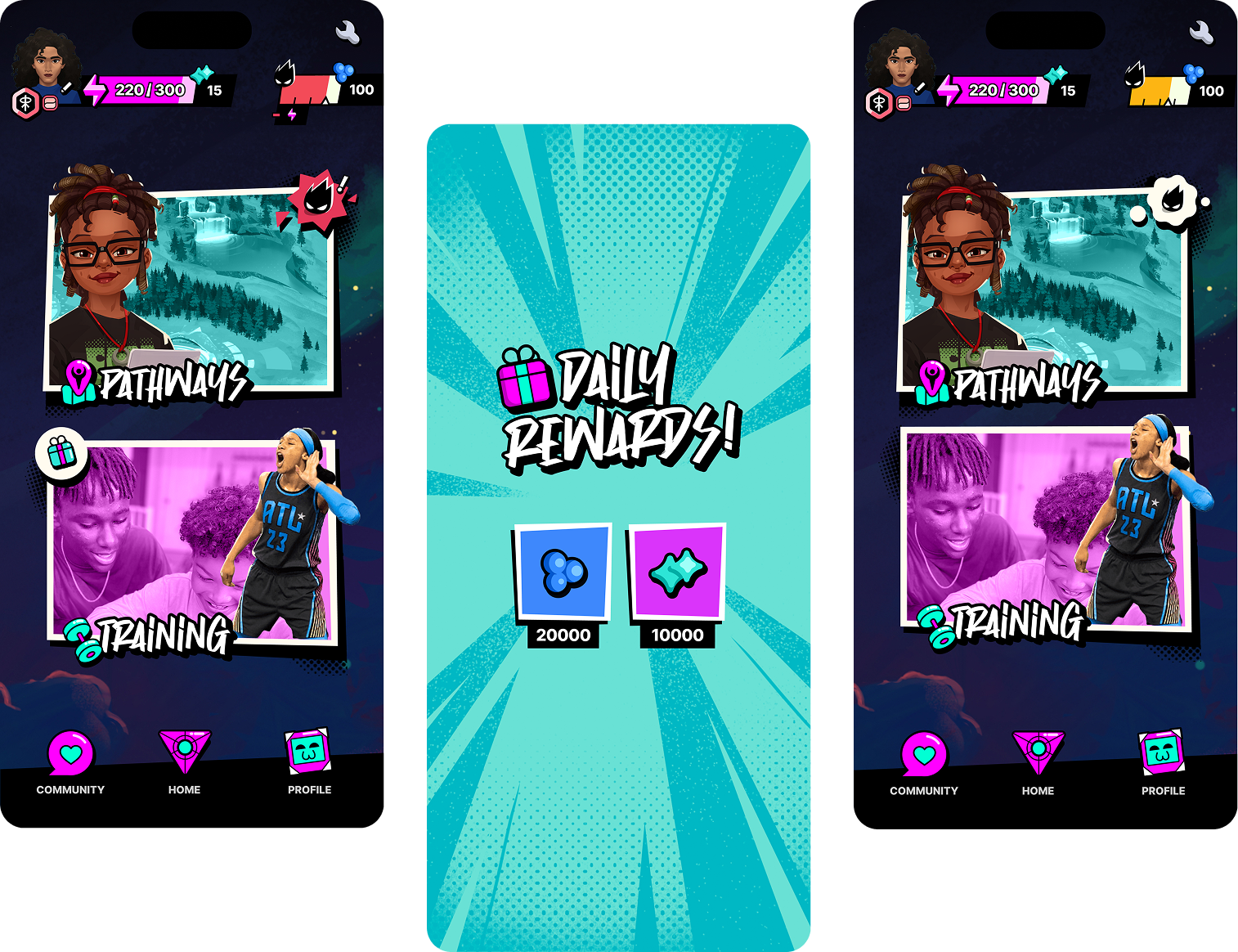
Once players are introduced to their first rot battle tutorials, they'll see animated notifications
for the Rot battle and the Daily rewards directly on the Main menu screen.
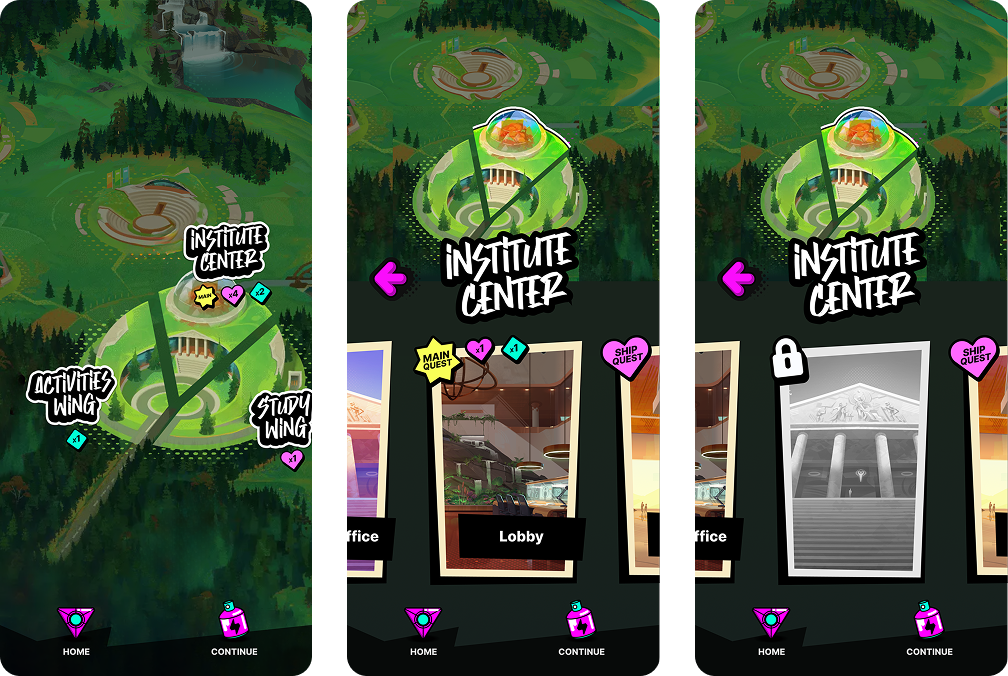
V. LOCATION NAVIGATION
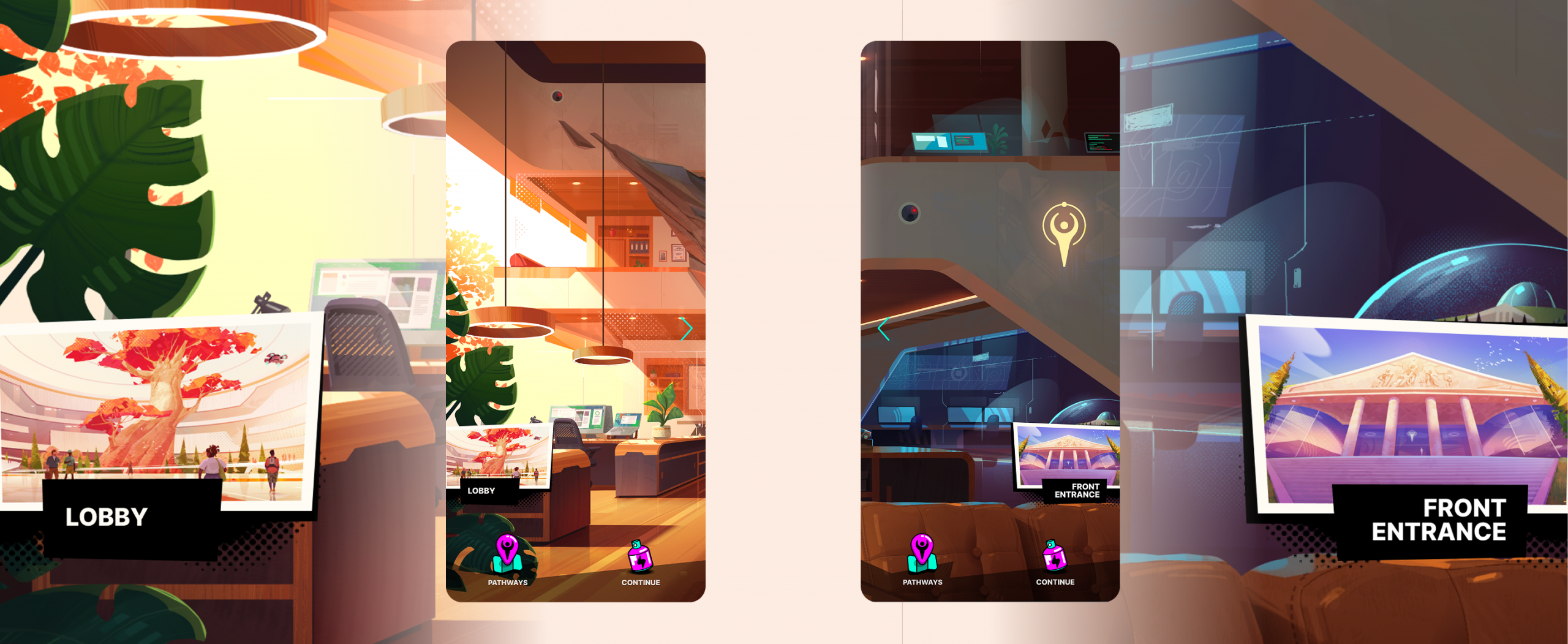
Players select a location from the Pathways map, following a quest.
They are led to a scrollable panoramic screen with a different illustration, depending of the location.
I designed buttons leading to other rooms of the same place, making them clearer.
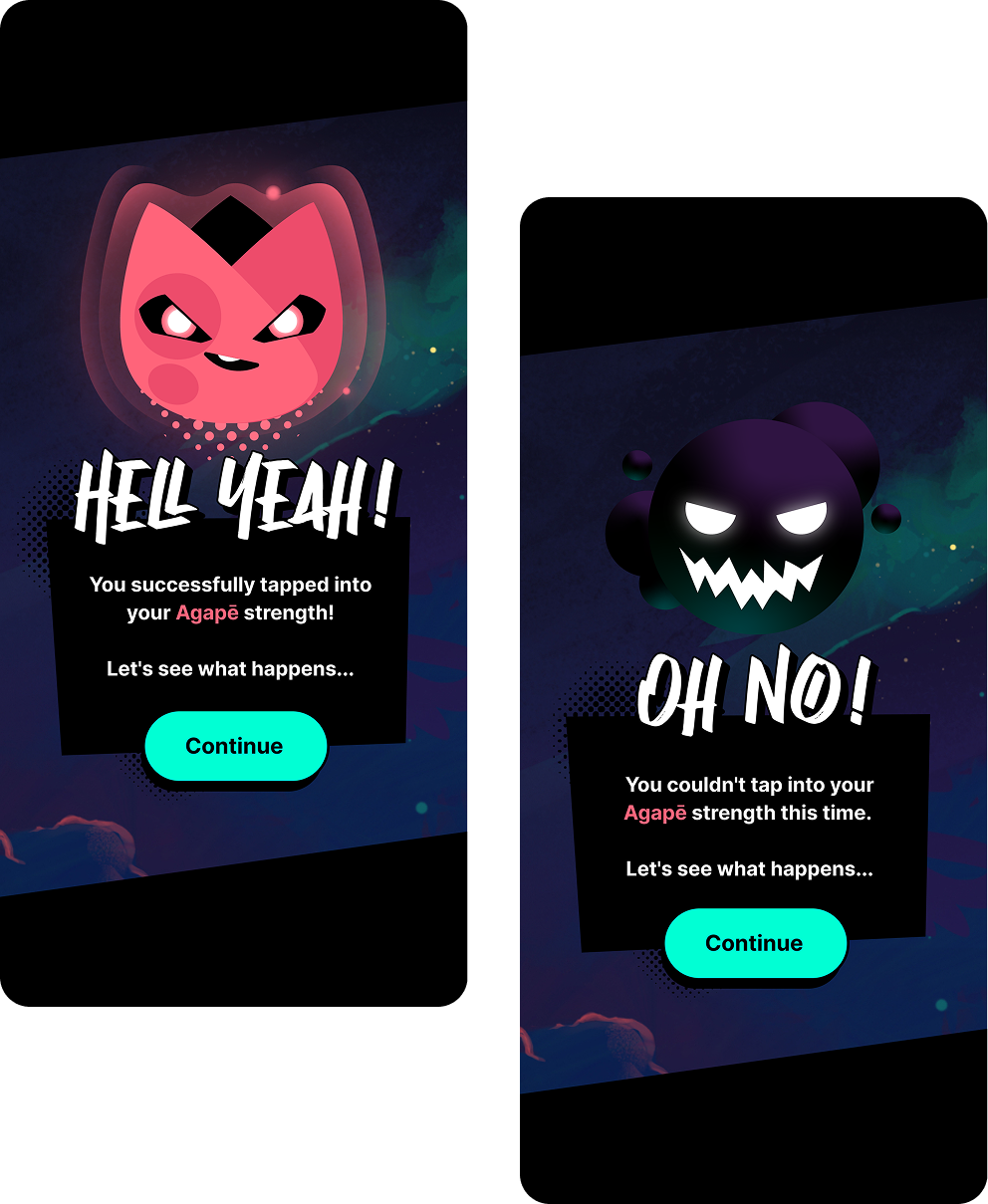
VI. CHANCE CHOICE
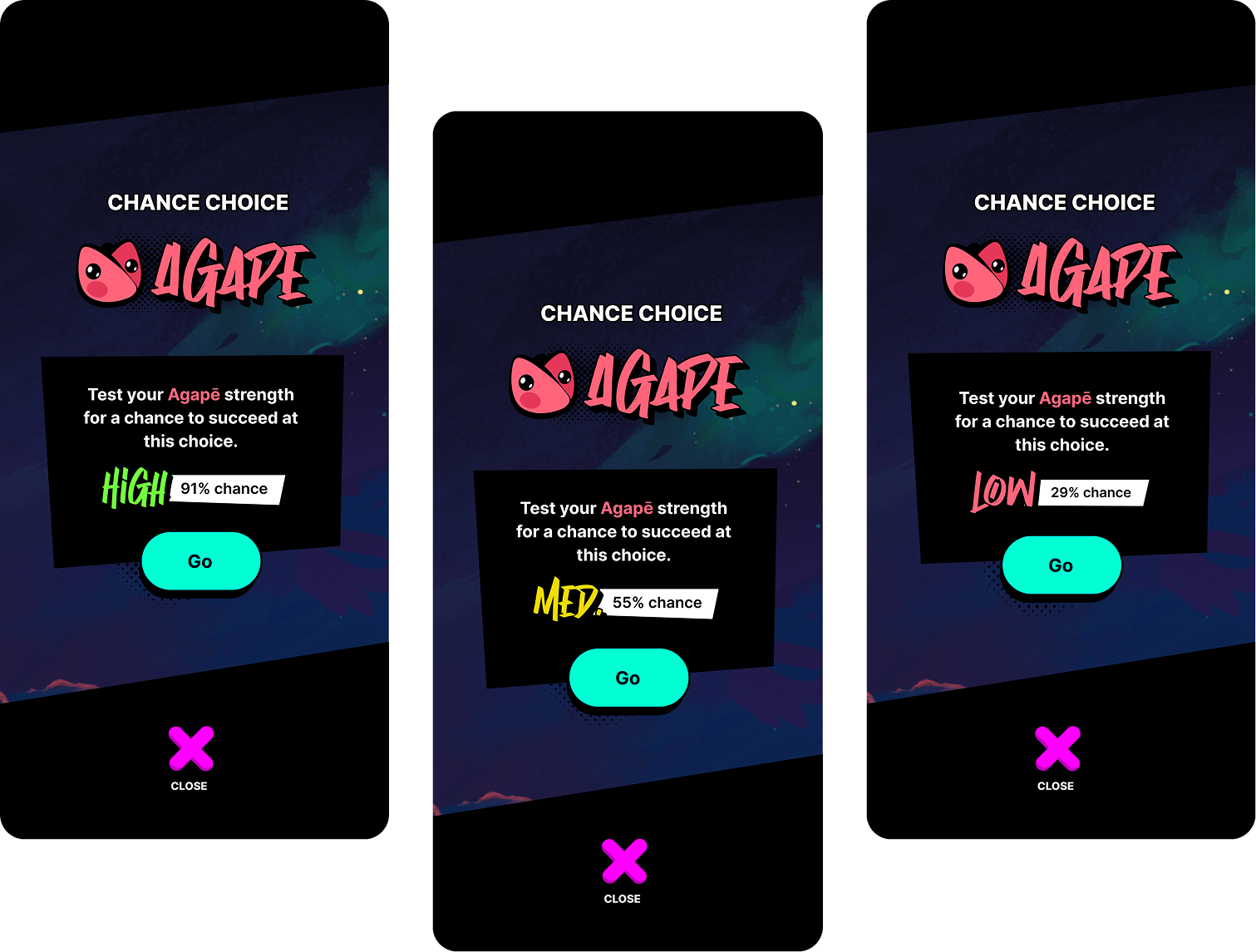
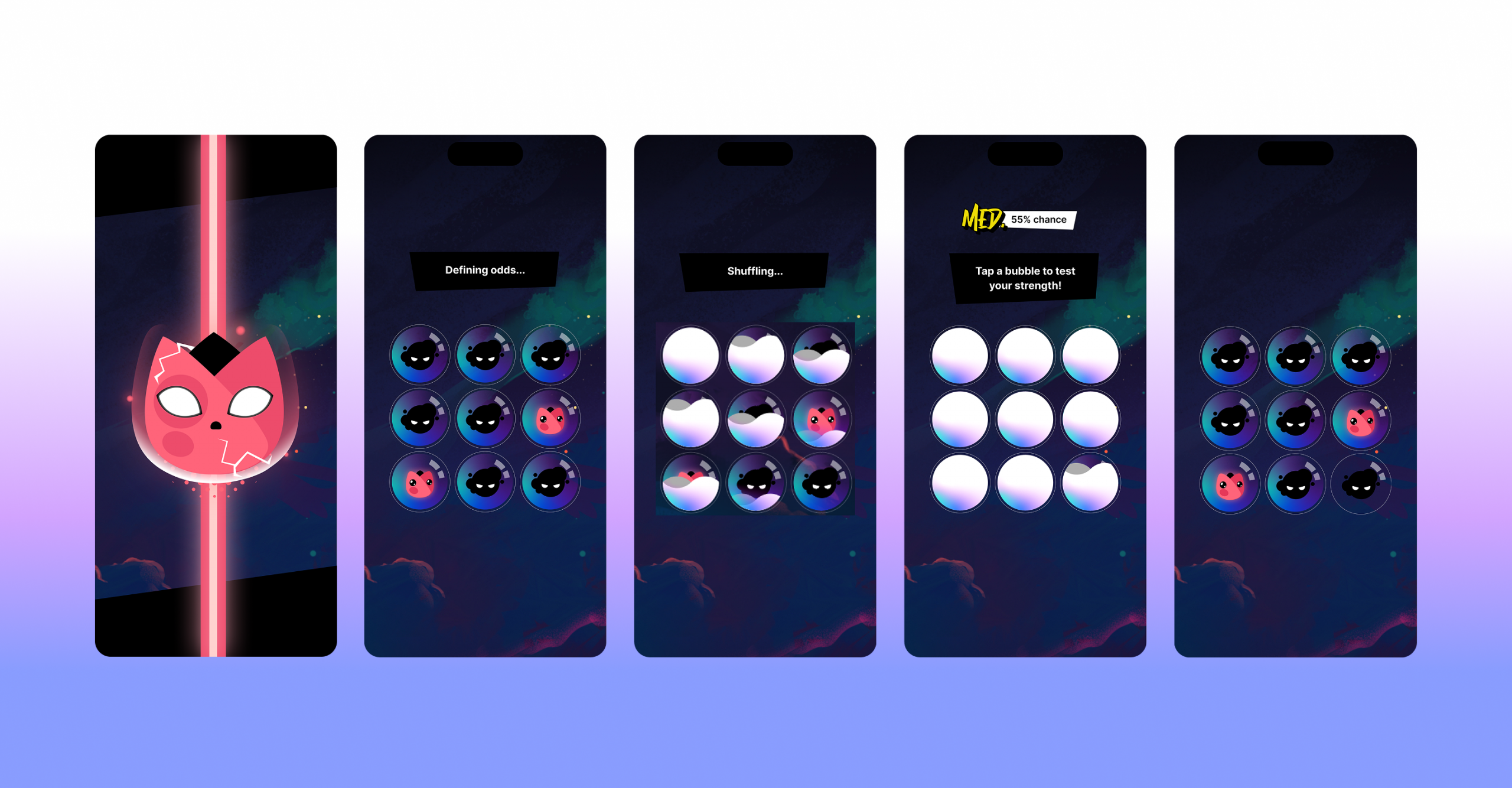
Players are invited to play a quick luck-based game, based on their main strength (selected with
their Quests and Mods choices). Selecting a bubble unveal a successful or losing screen.
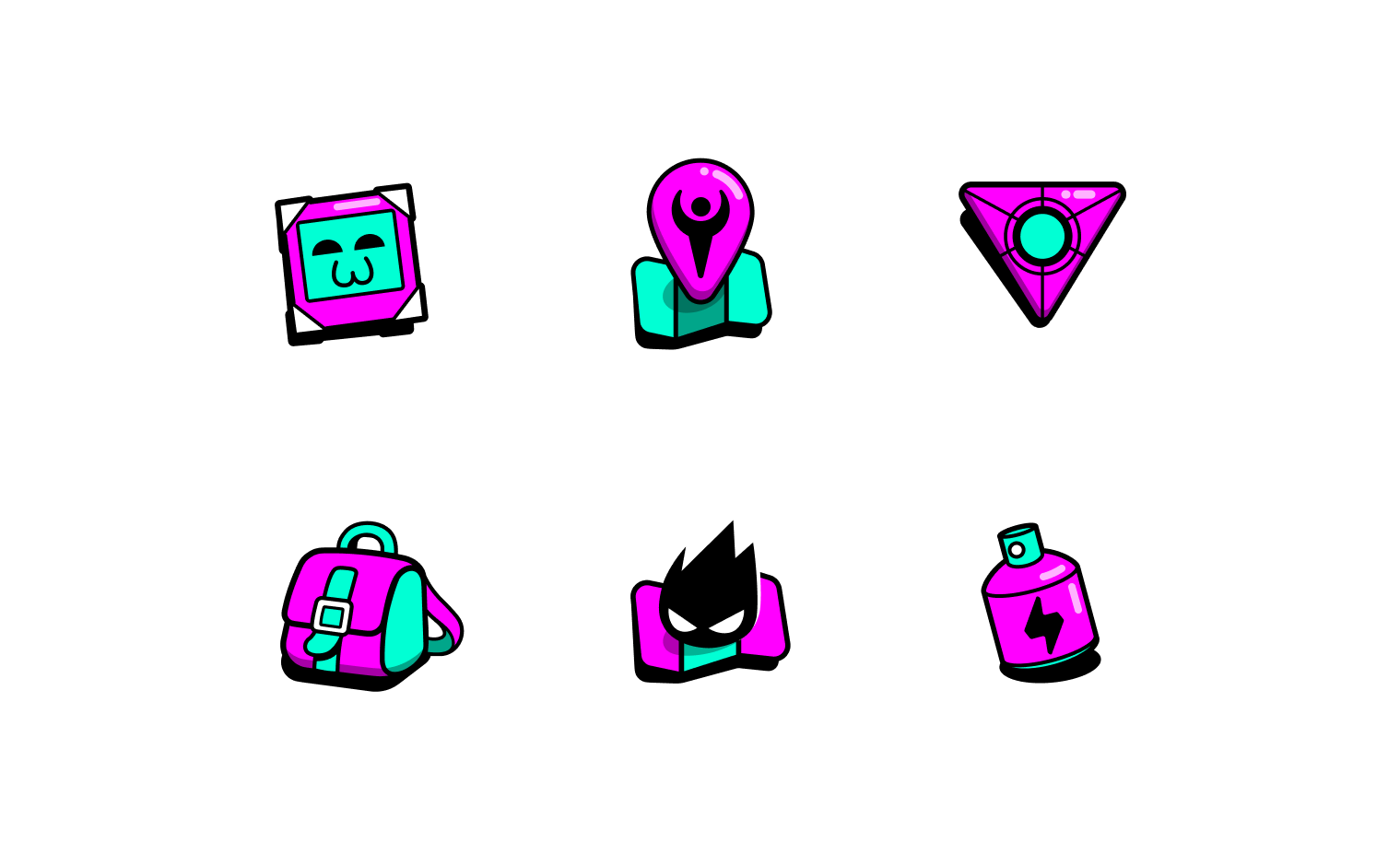
VII. ICONS HARMONISATION
I created some icons (middle ones of both lines) and adjusted the line-weight
& shadows of the rest to make them look all consistent.
Thank you for reading through this project, you can play it here:
→ Apple device